

Home
Financial Portfolio Overview
Explore More
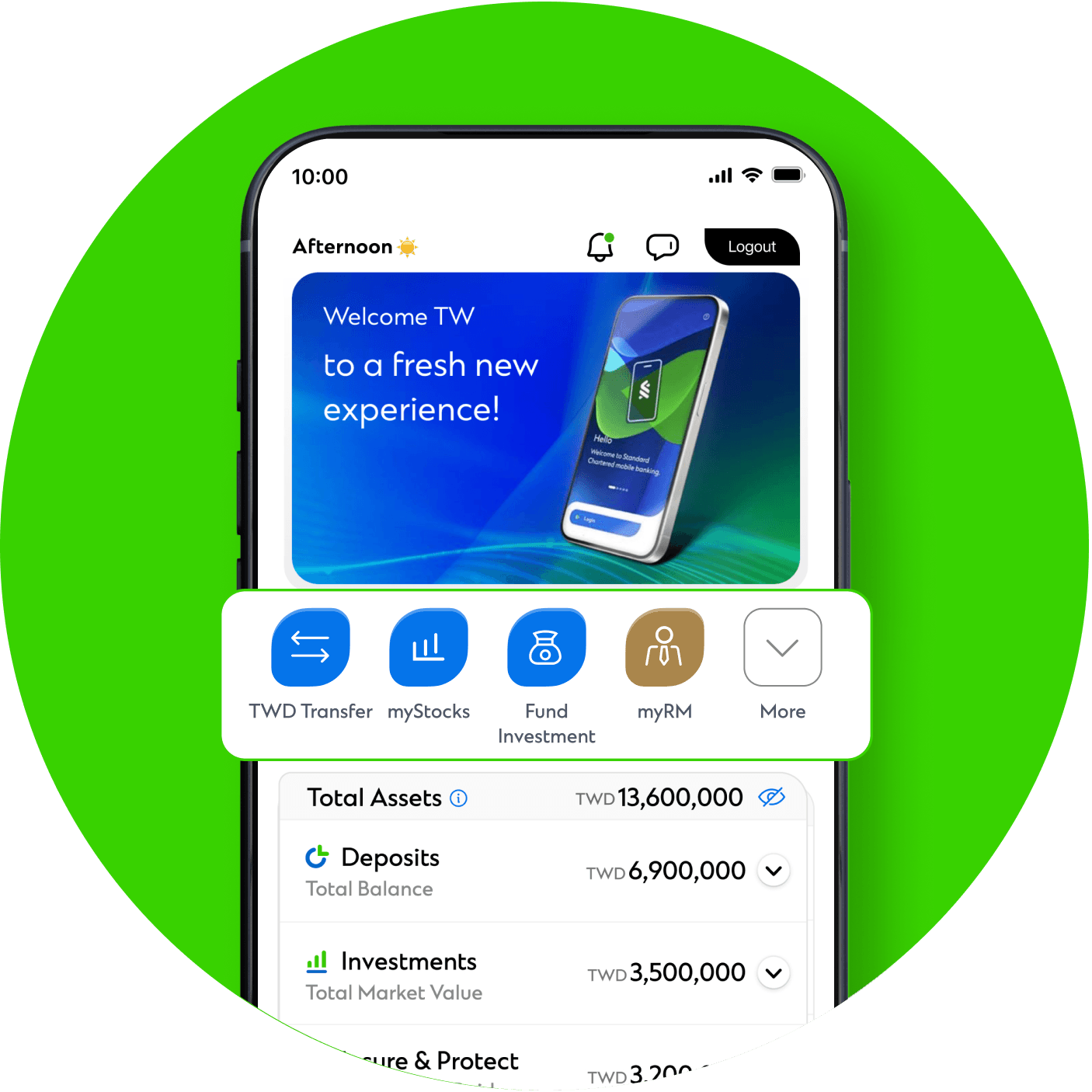
Quick Guide to the All-New Interface
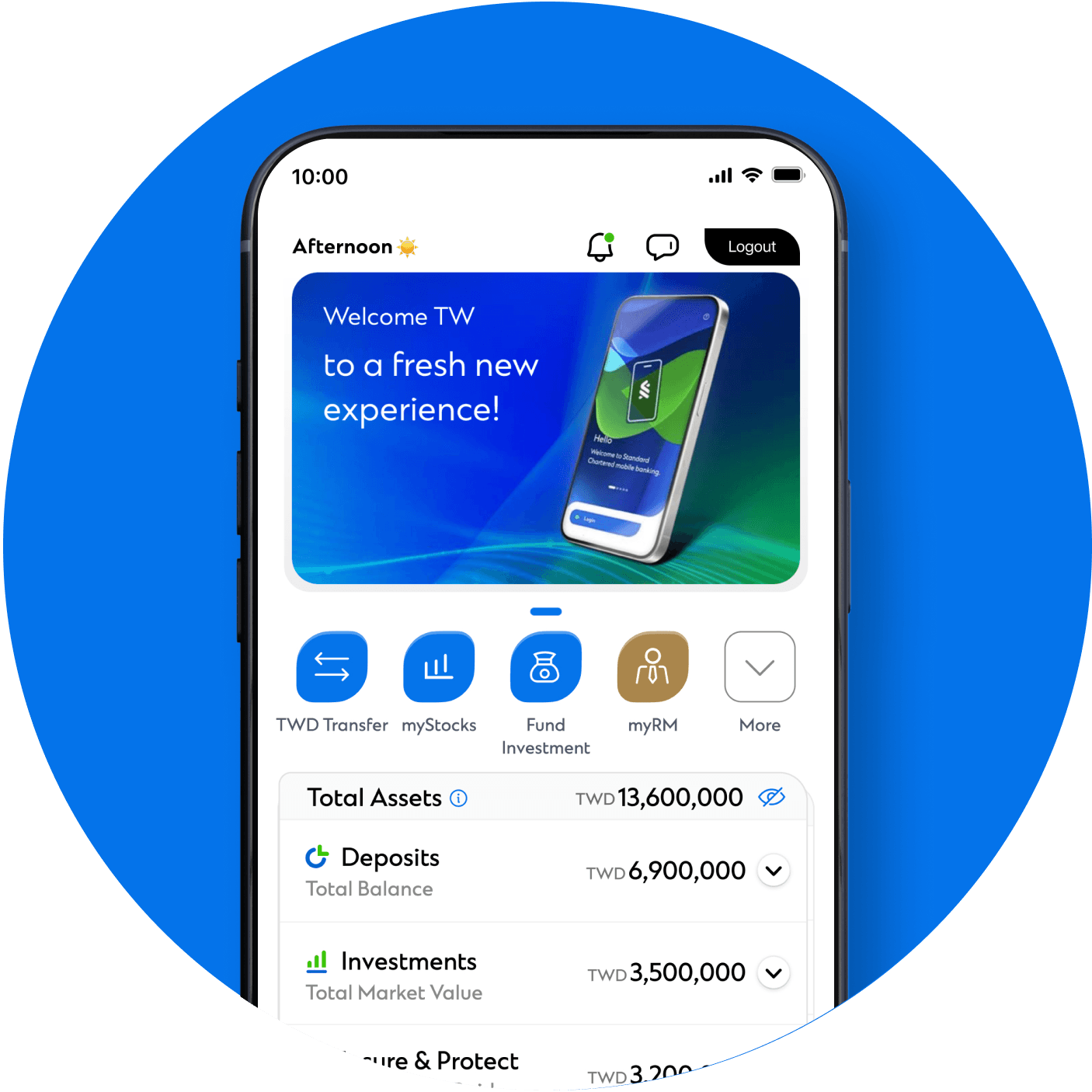
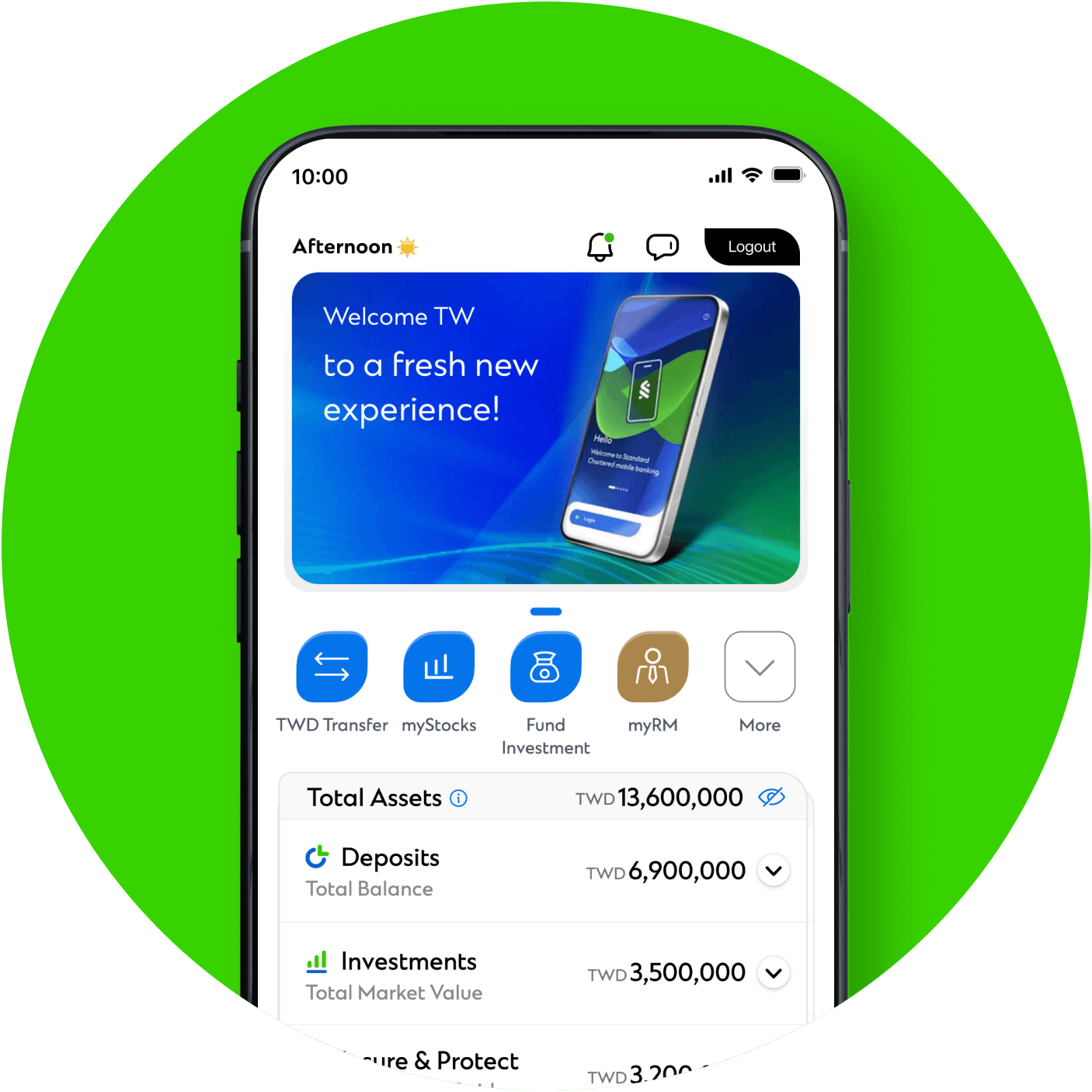
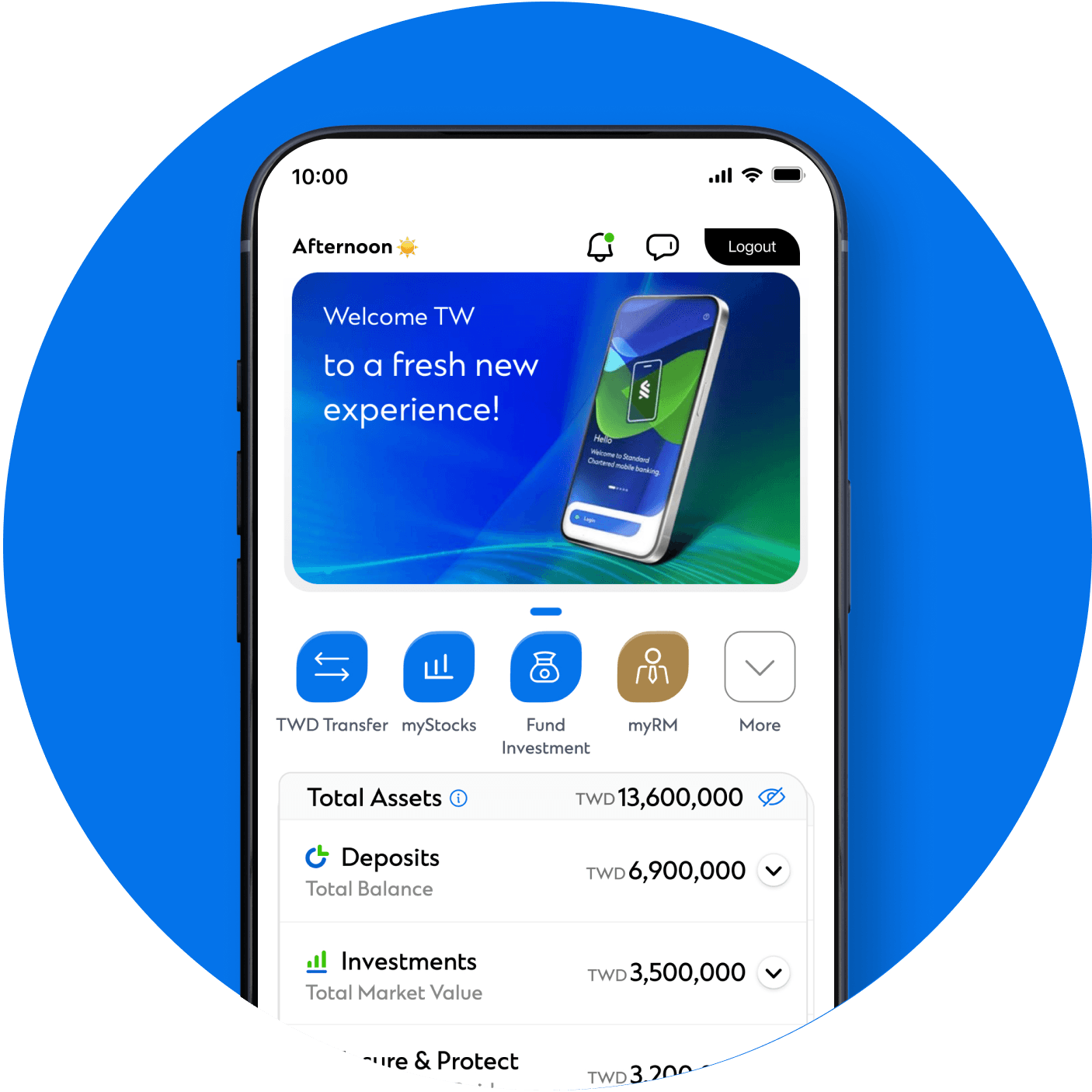
Banking Notifications
View all latest news and critical alerts to stay on top of your financial status.
Connect via myRM
Reach out to your Relationship Manager through myRM, or contact us via our customer service
hotline.
You can also locate nearby branches and ATMs, or browse our FAQs for quick answers.
You can also locate nearby branches and ATMs, or browse our FAQs for quick answers.
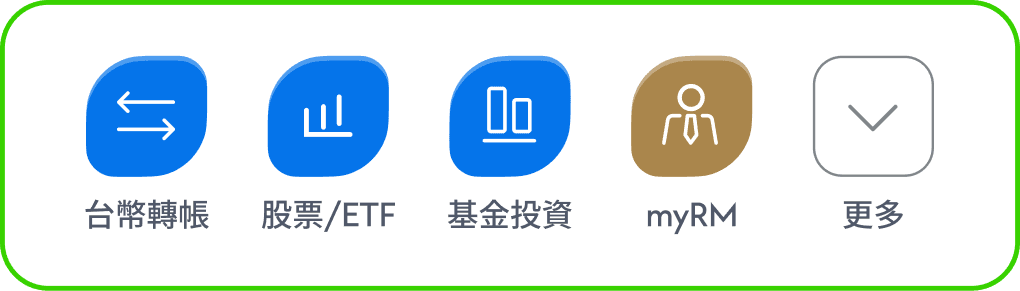
Quick Links
Just one tap to access our curated selection of wealth management features.
Navigate Your Wealth
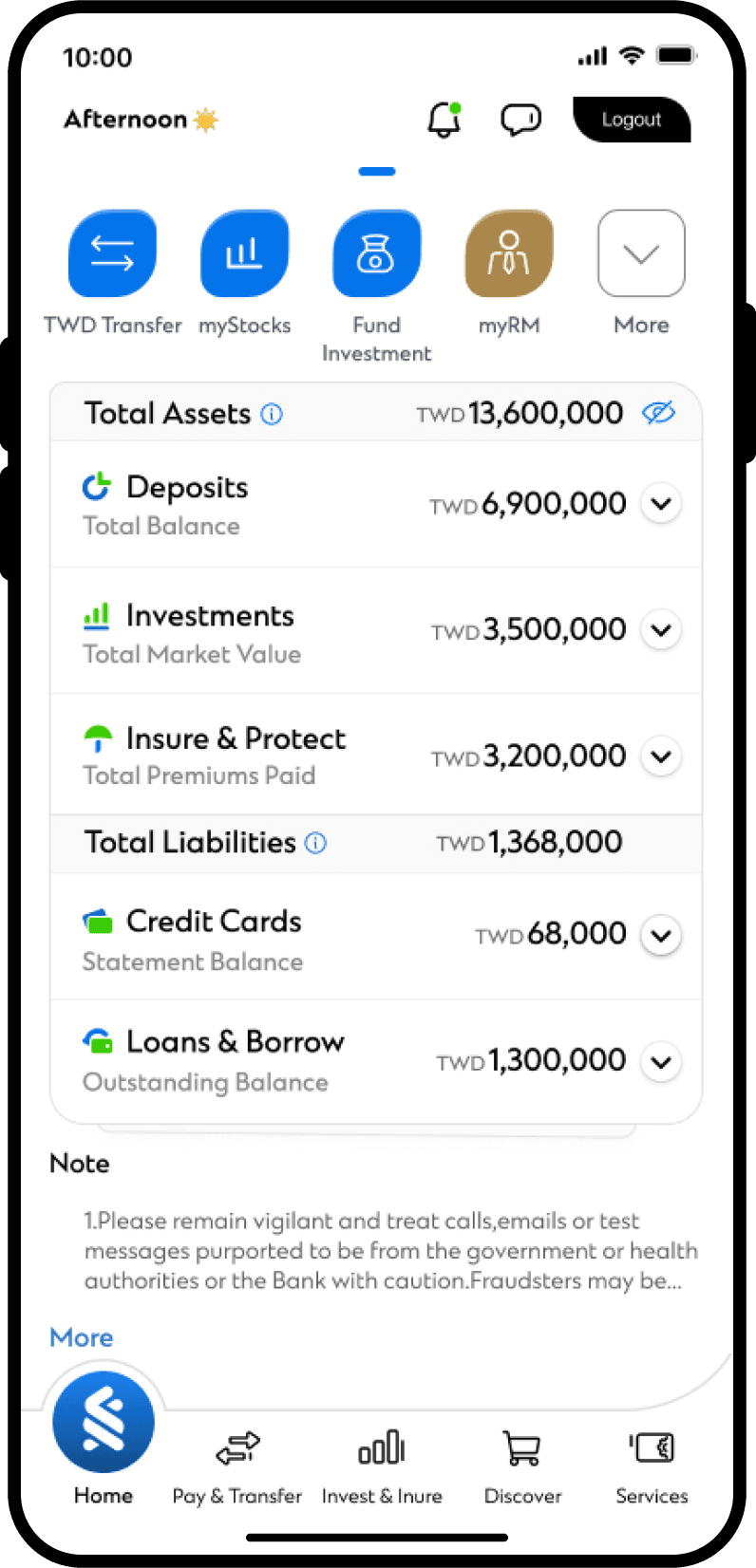
Portfolio and 6 Major Asset Classes
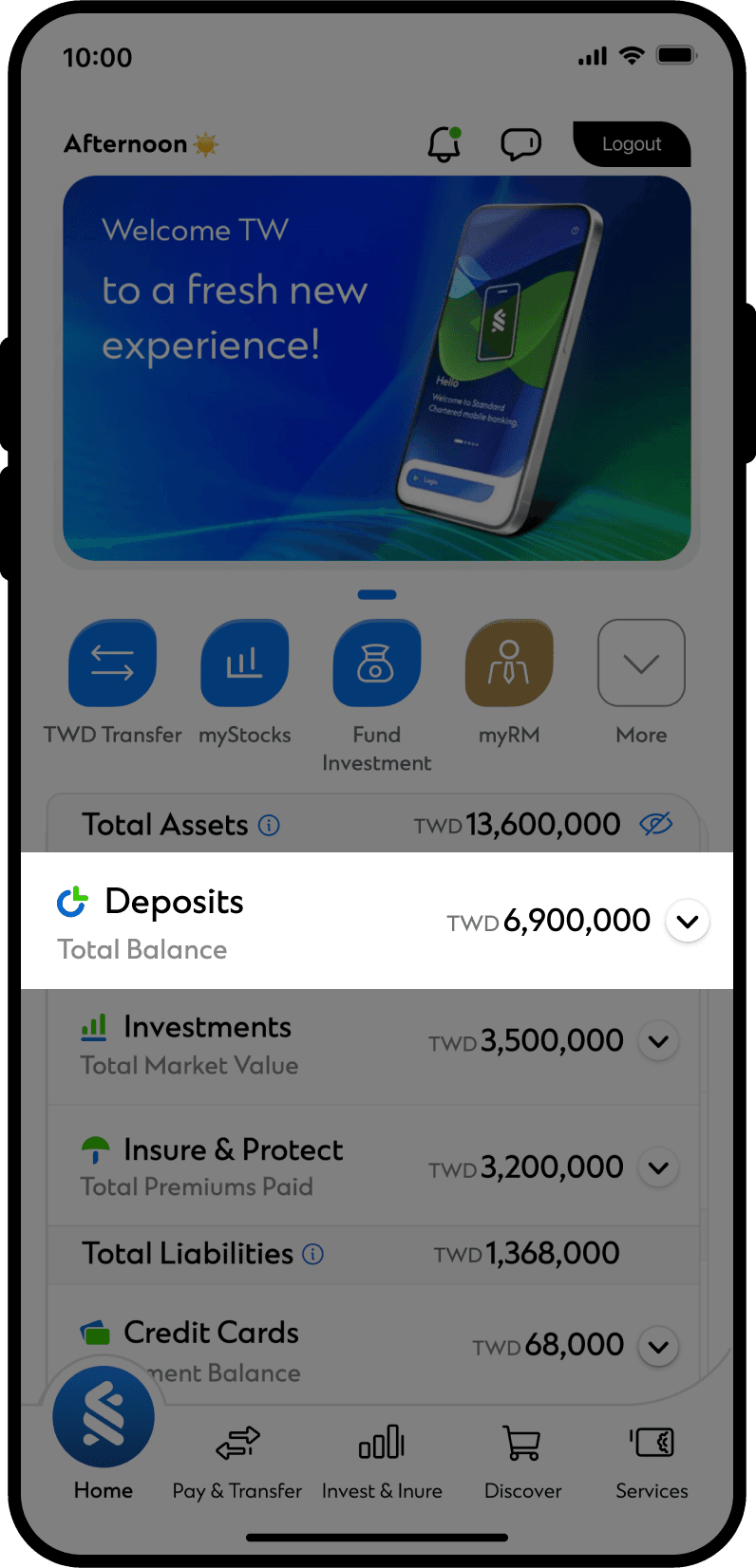
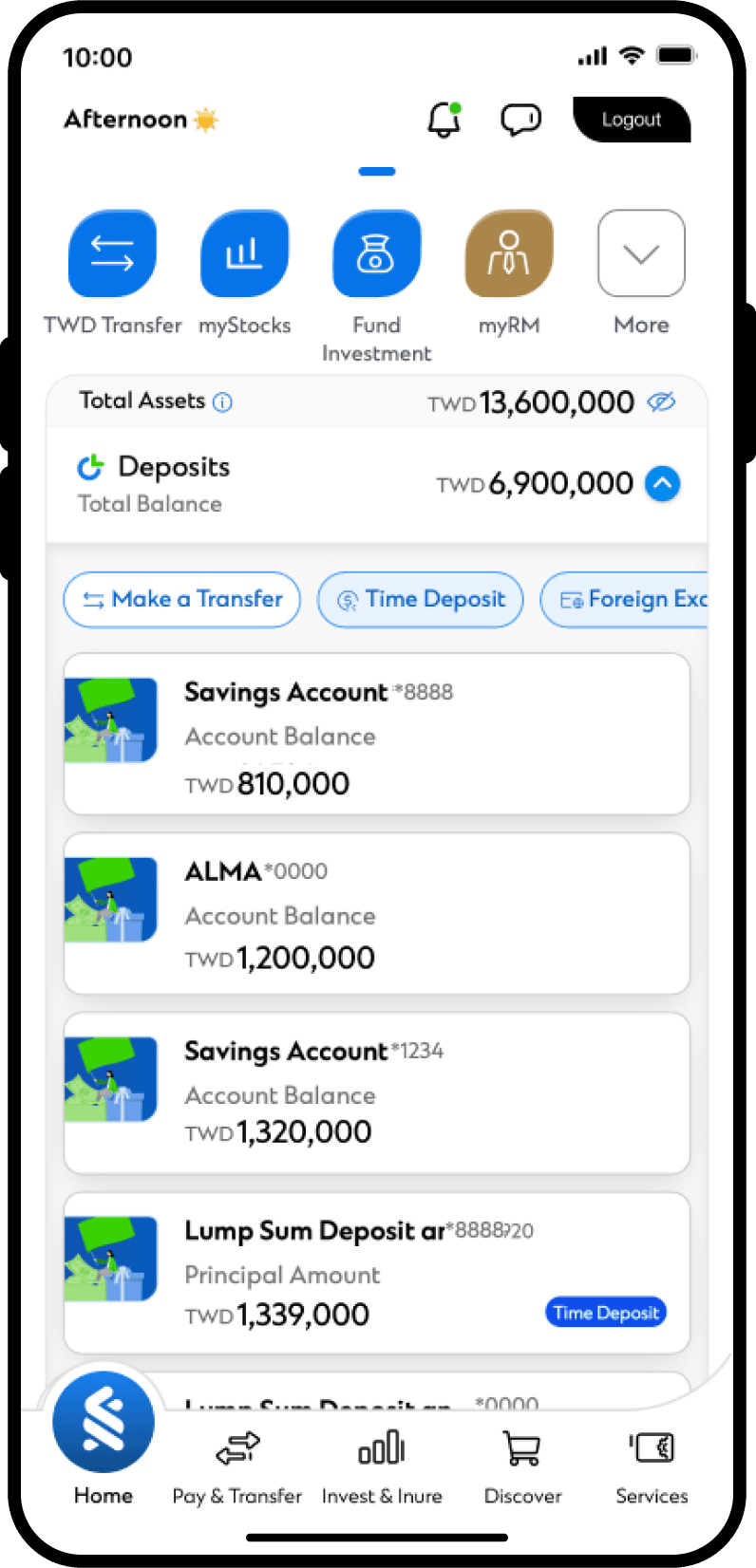
 Deposits
View account balances and use shortcuts to transfer funds, open time deposits, or perform FX
transactions.
Select an account to view its details.
Swipe left or right to switch between different accounts.
Select an account to view its details.
Swipe left or right to switch between different accounts.
 Investments
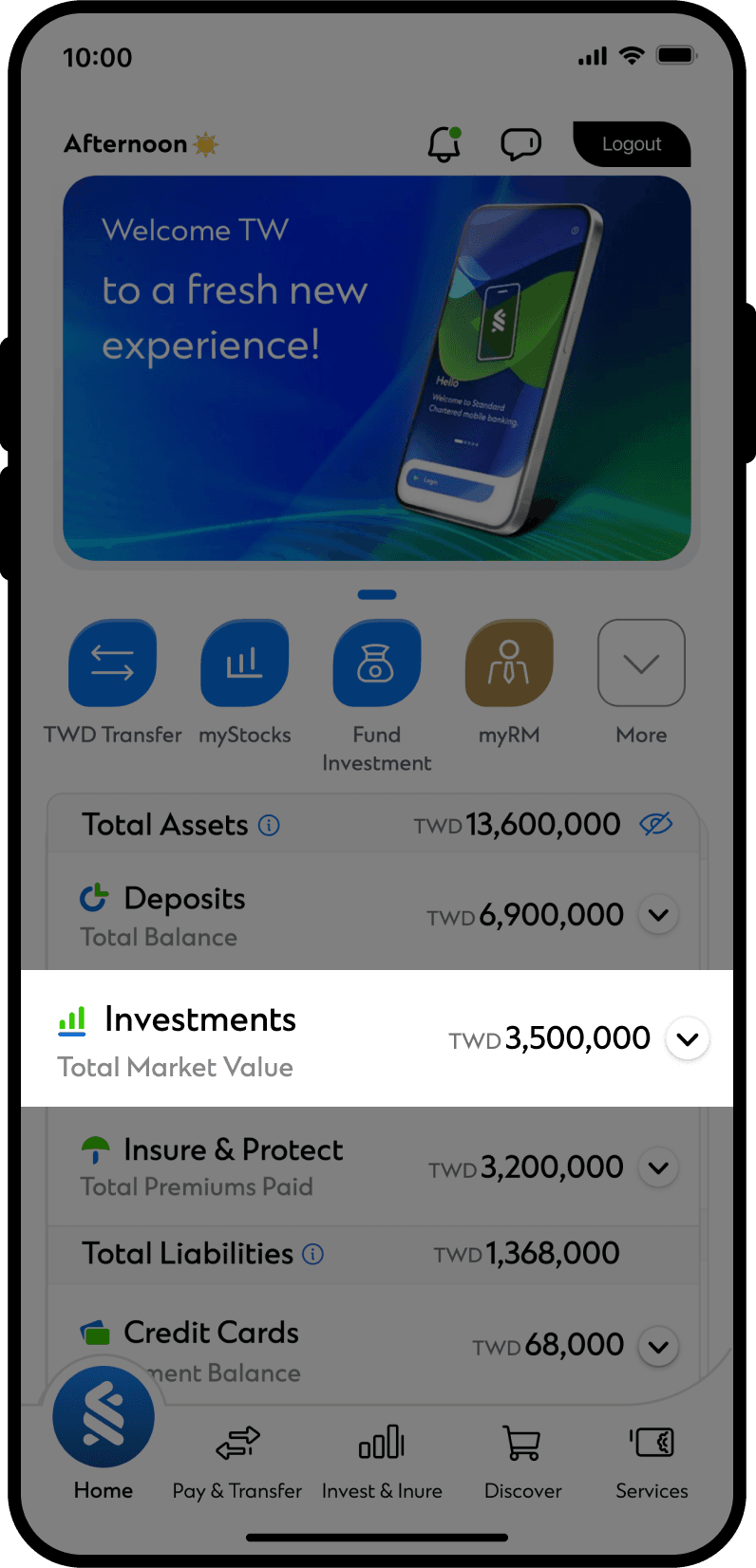
Easily monitor all your investments, including Mutual Funds, Stocks/ETFs, Bonds, Structured Notes,
and Premium Currency Investment (PCI)/Structured Investment (SI).
Tap on an investment category to view more information.
Tap on an investment category to view more information.
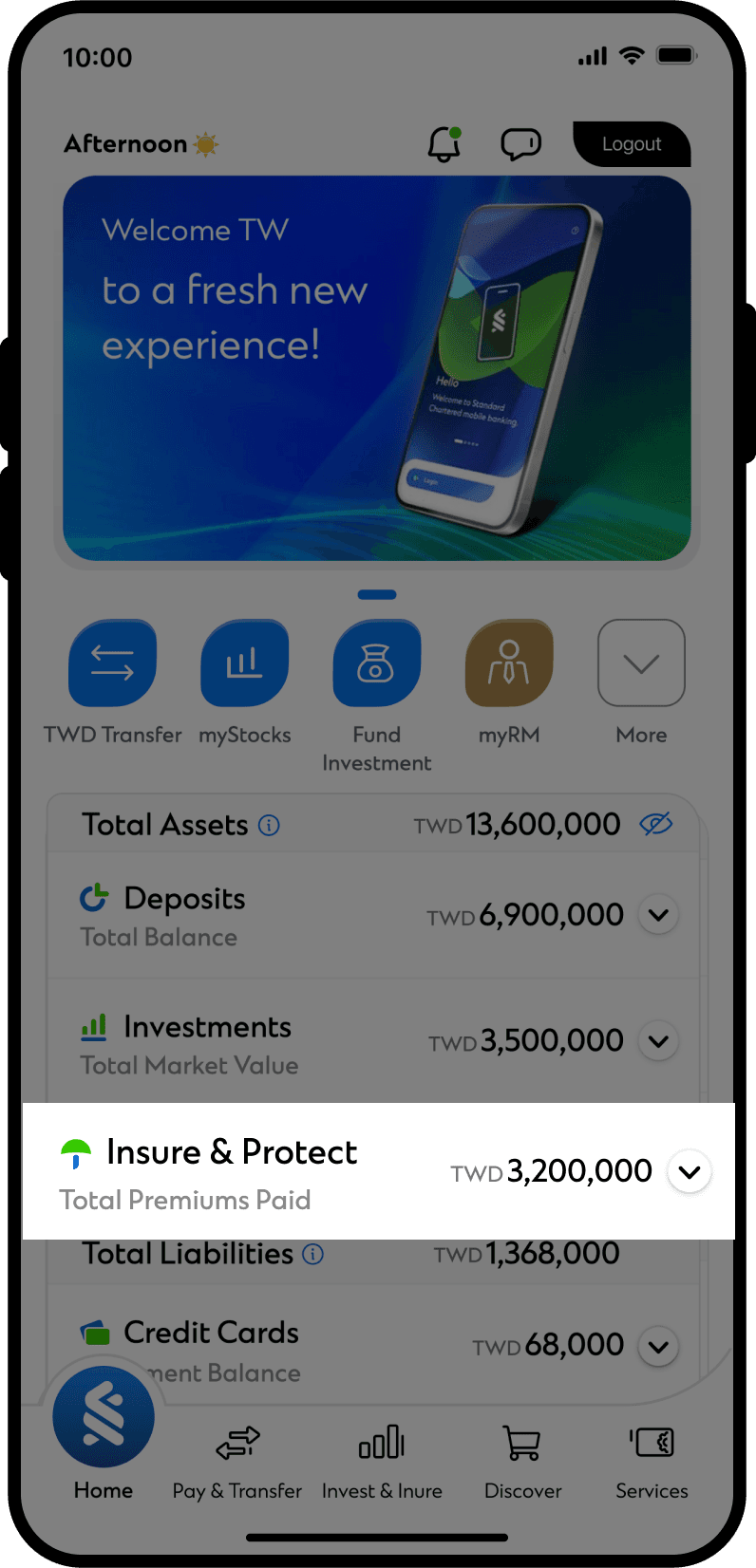
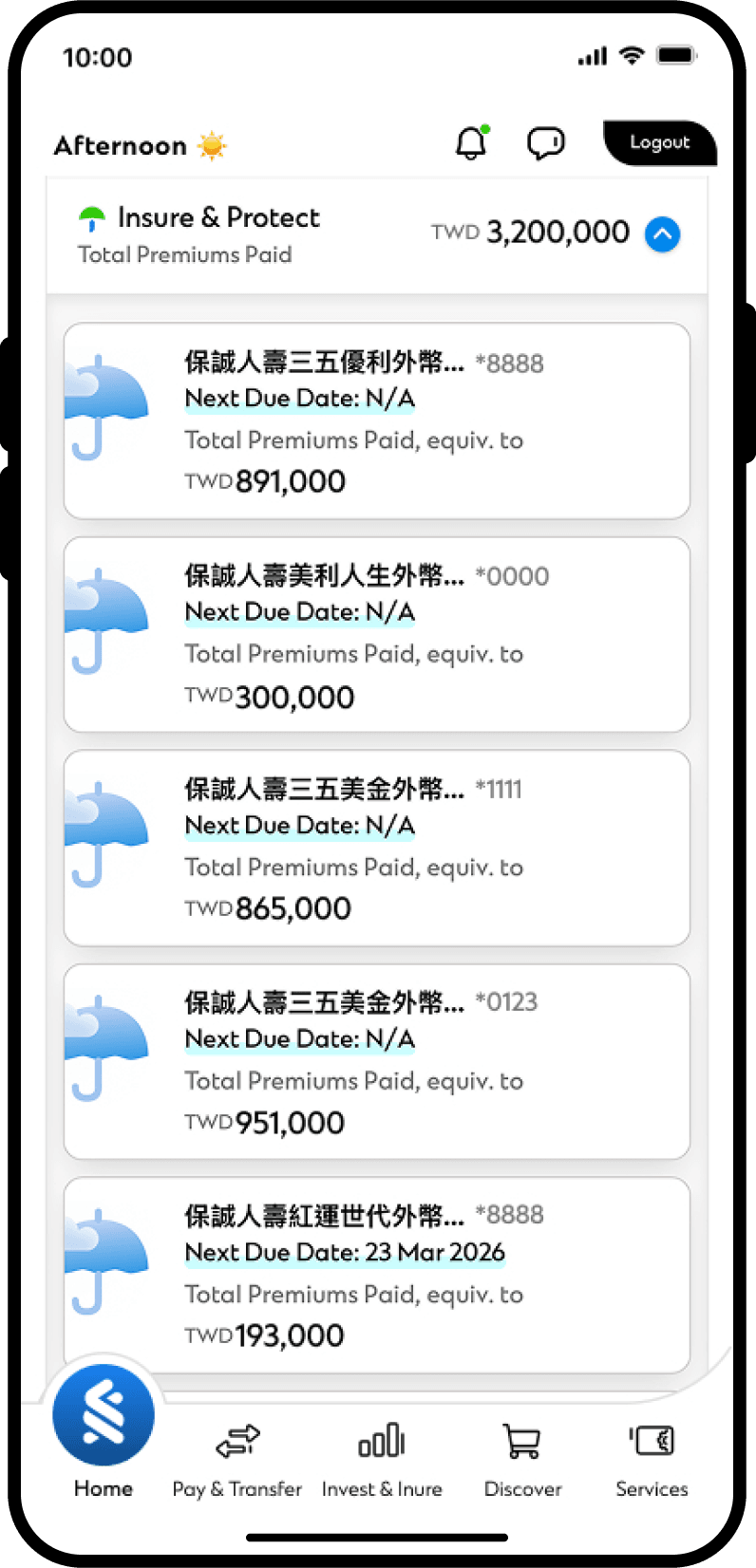
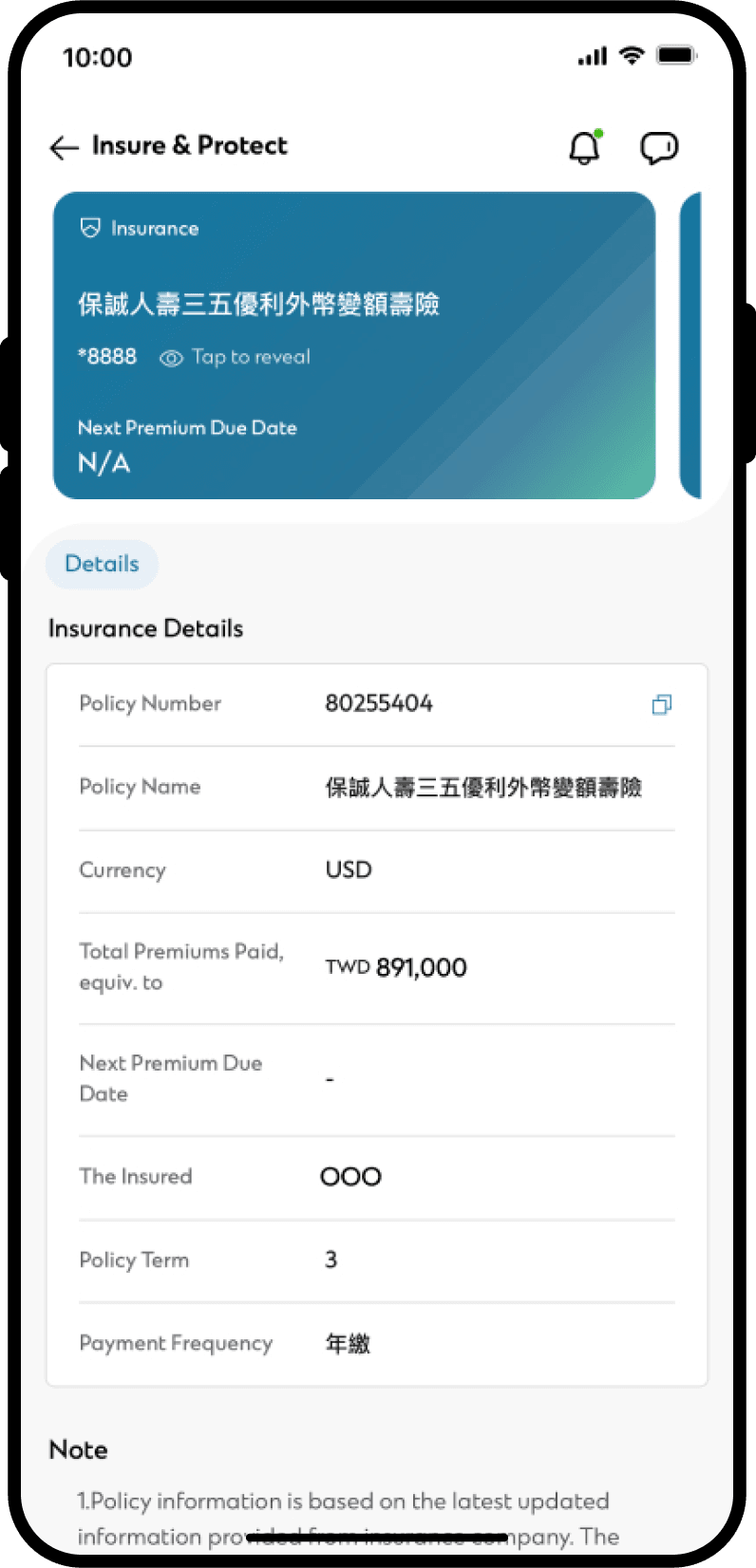
 Insurance
Review existing policy information, including your next premium due date and total premiums paid.
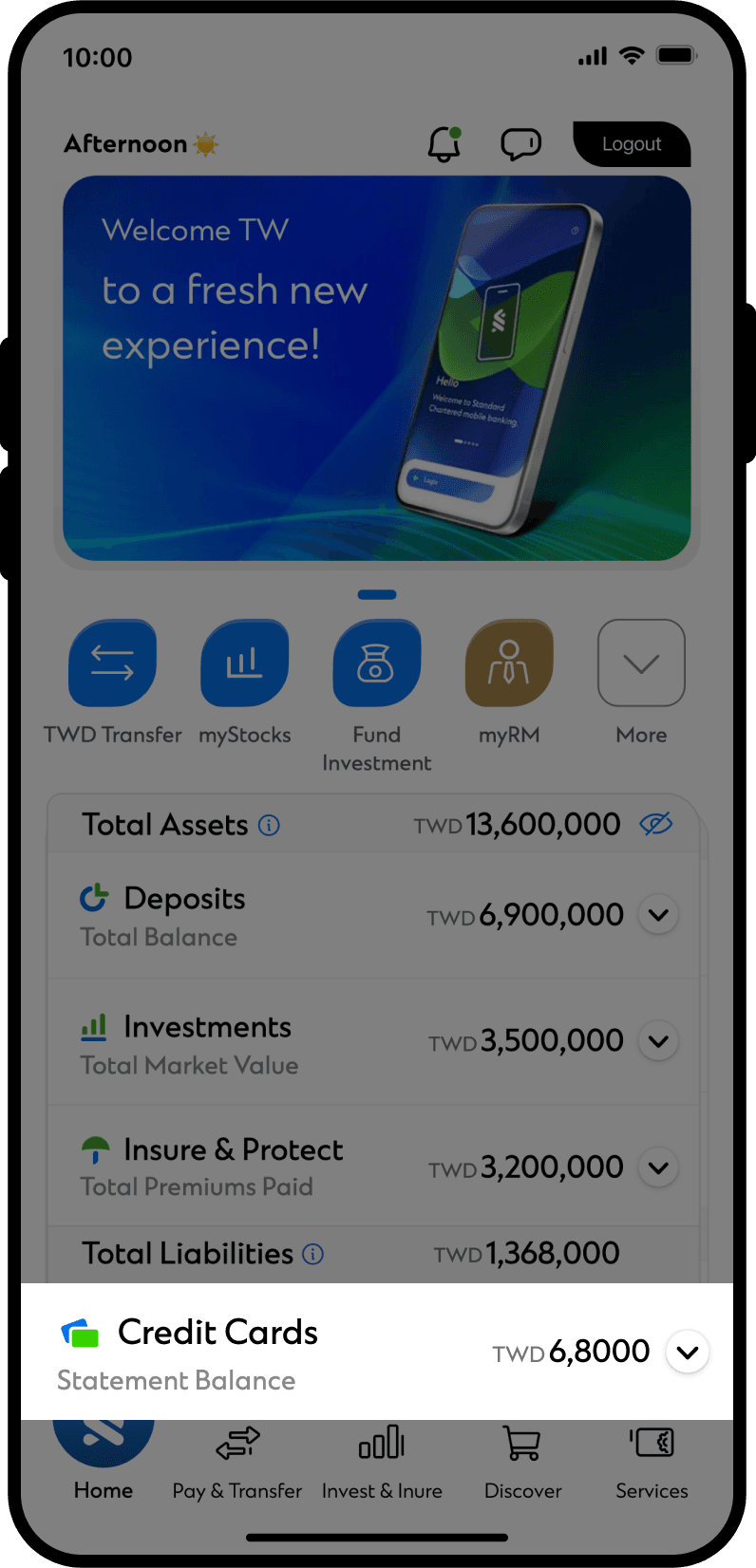
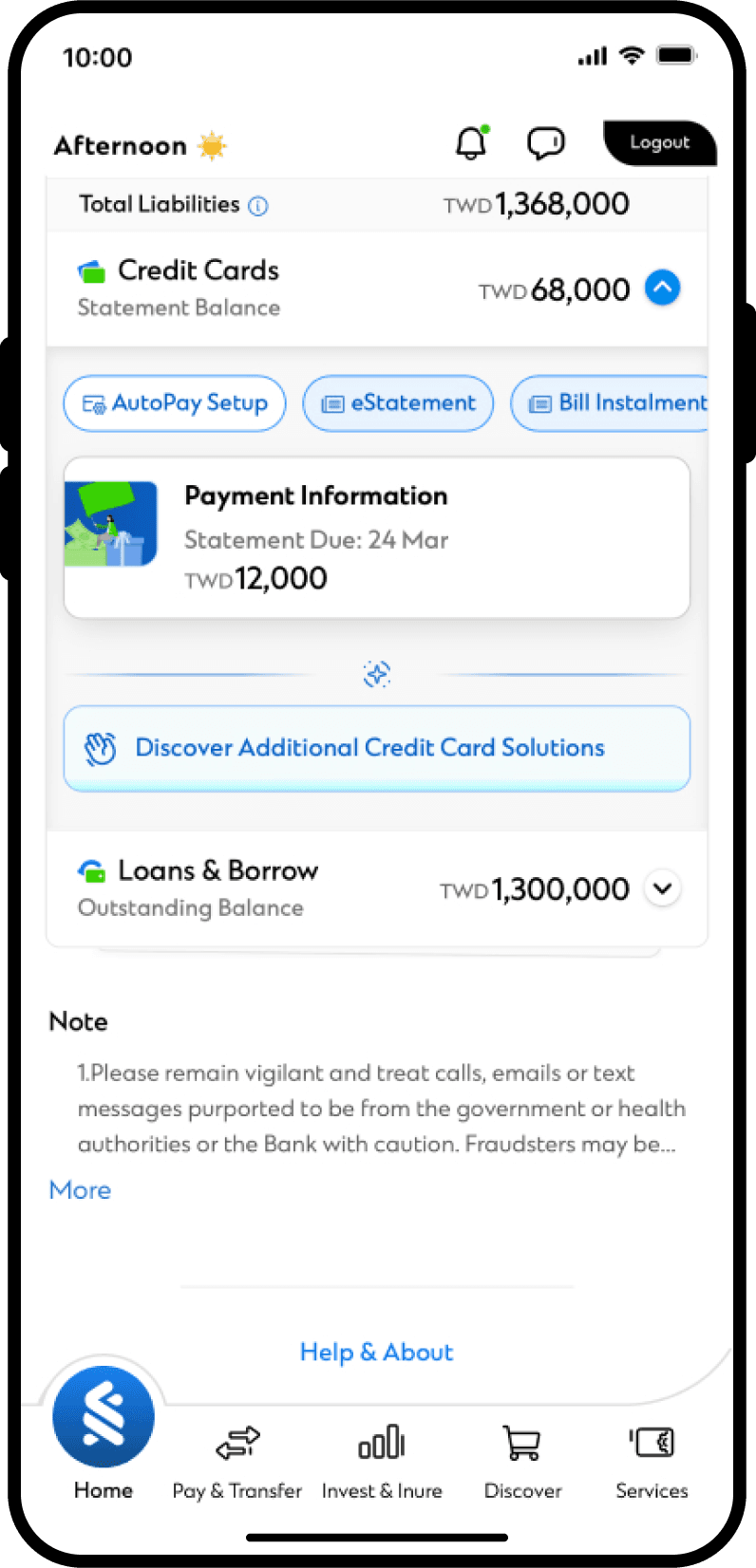
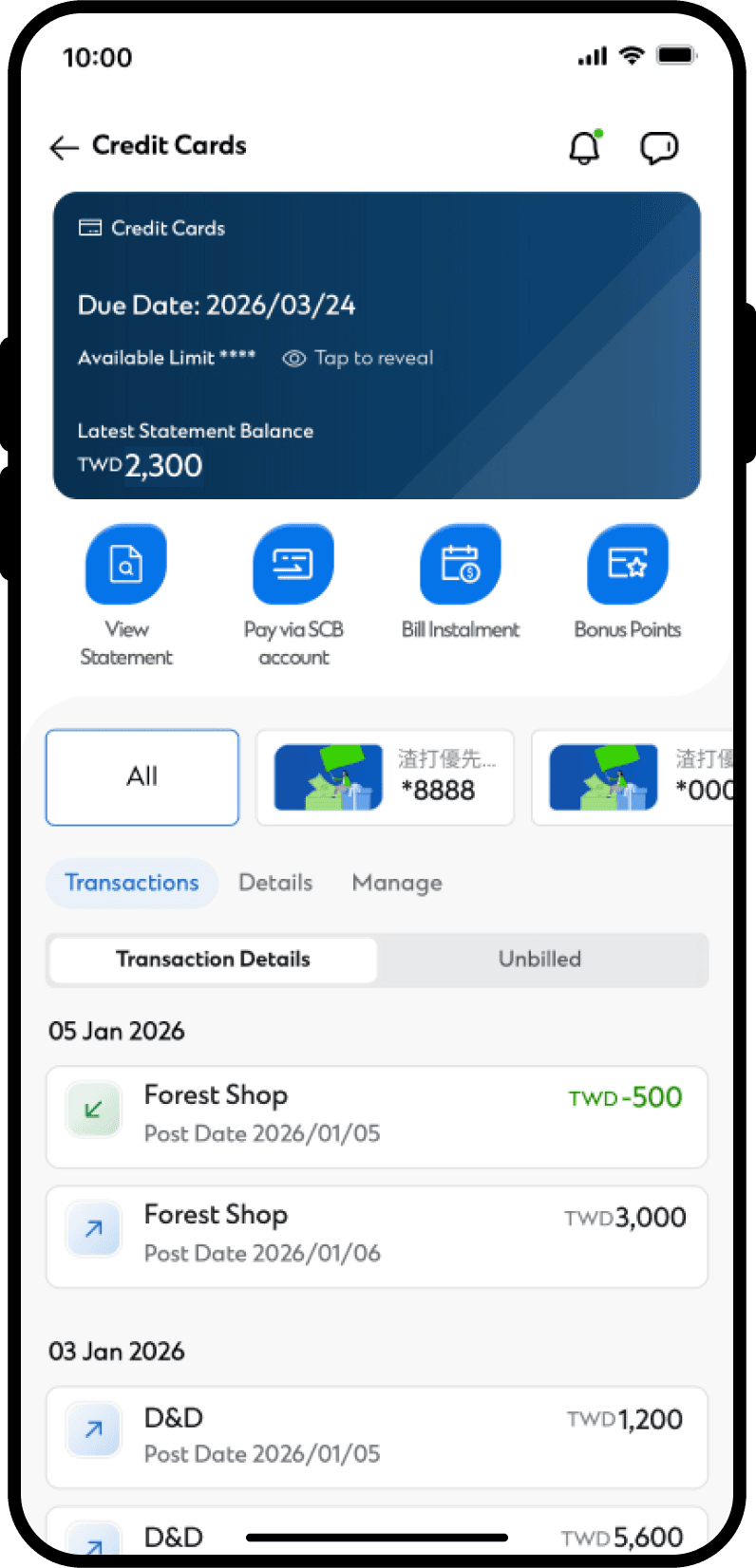
 Credit Cards
Check your payment due date and latest statement balance.
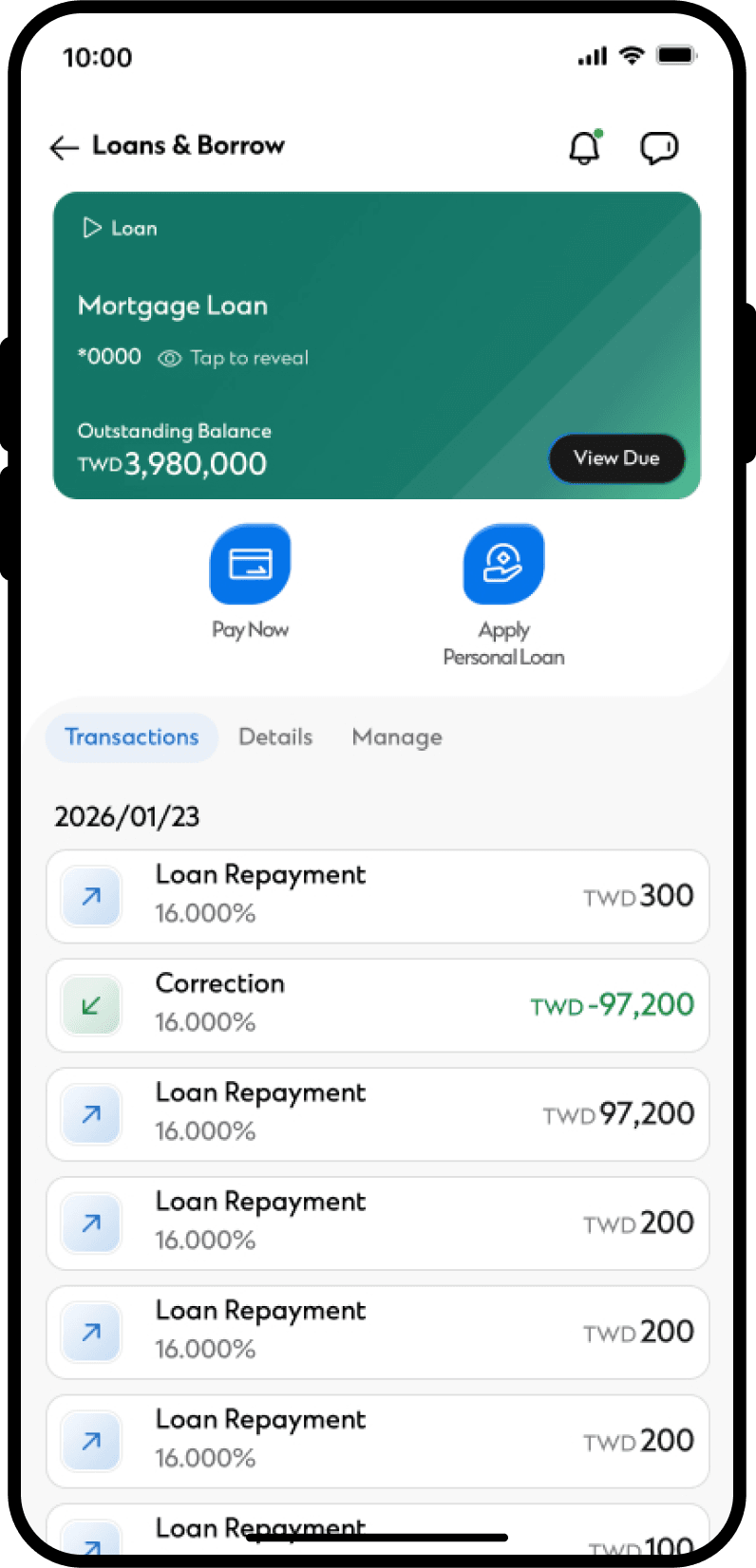
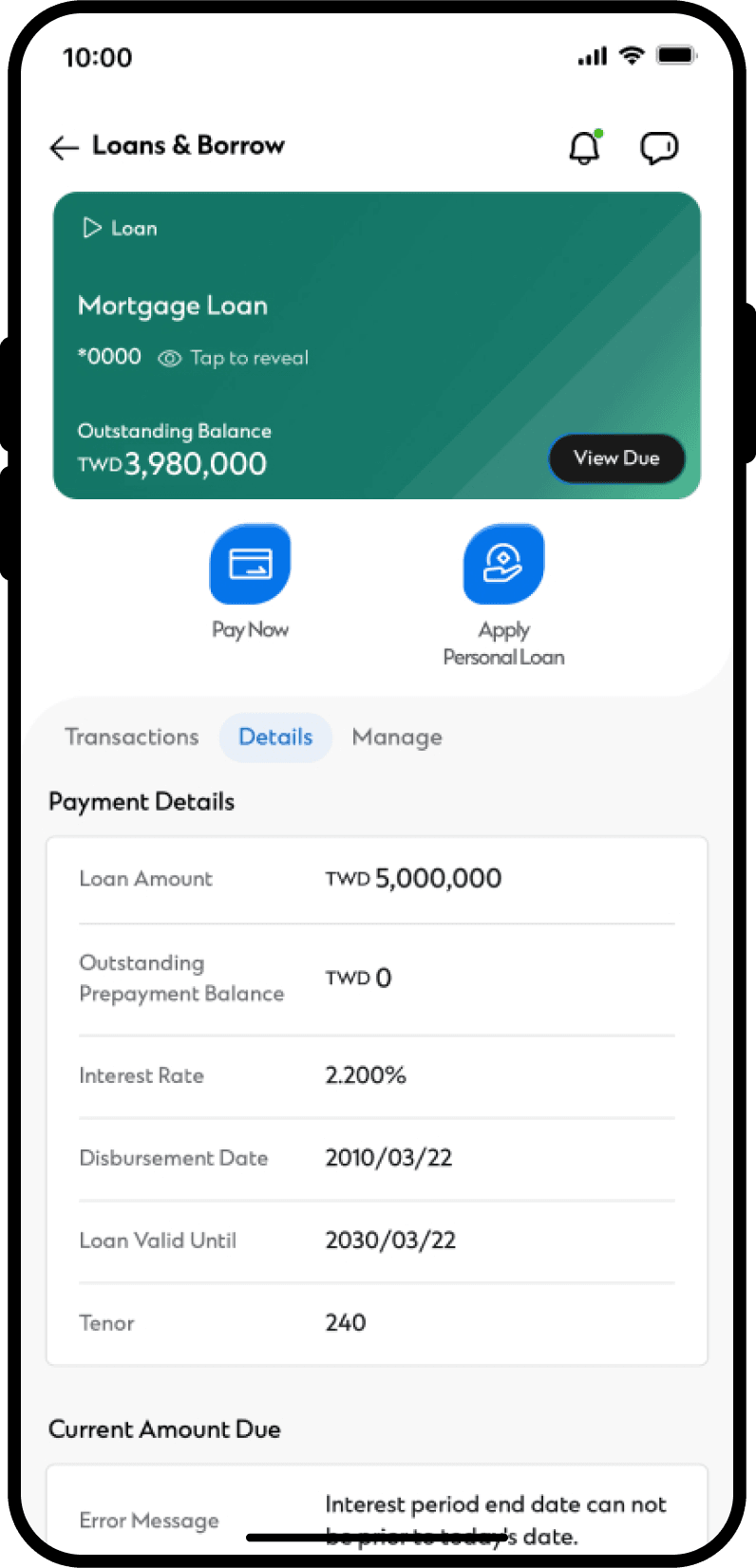
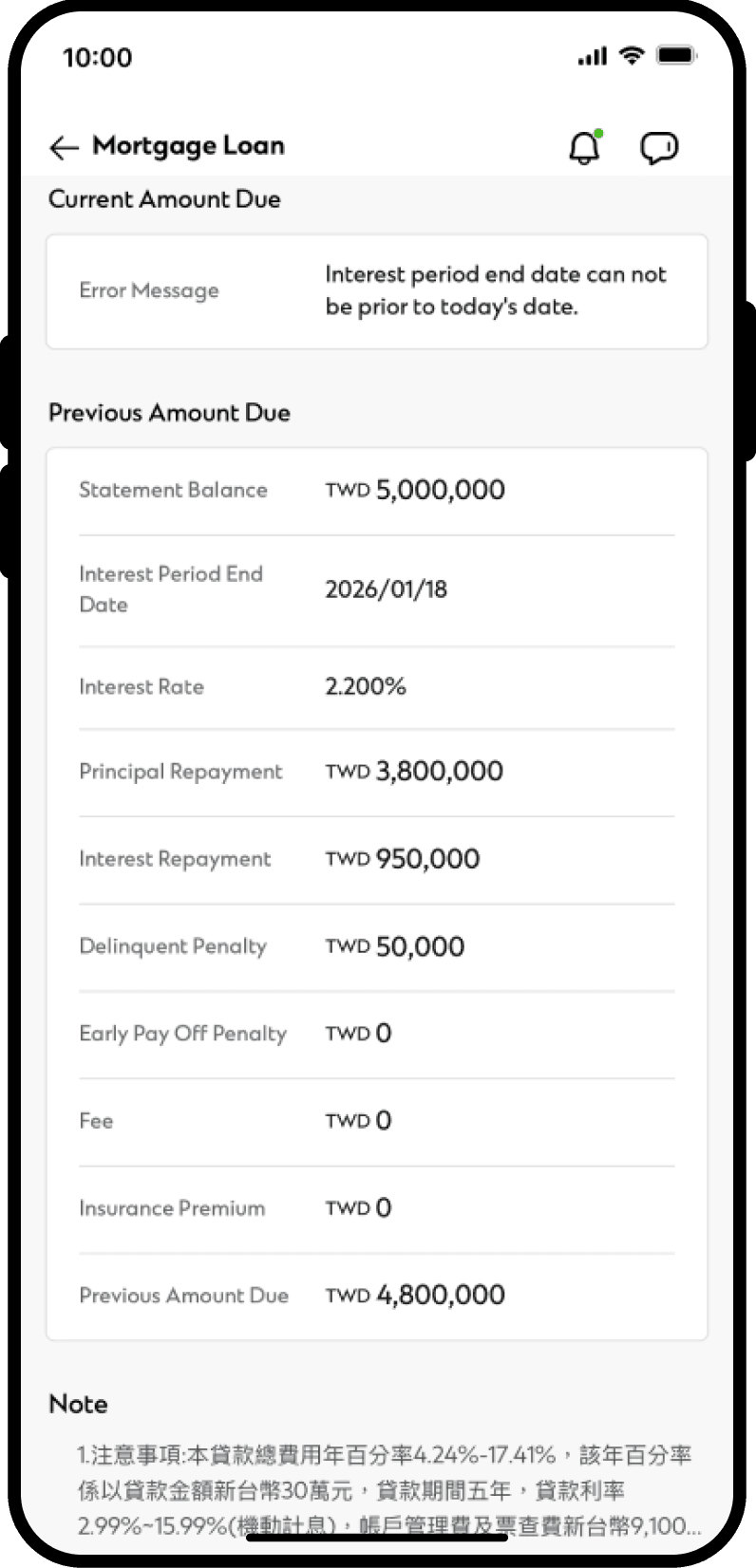
 Loans
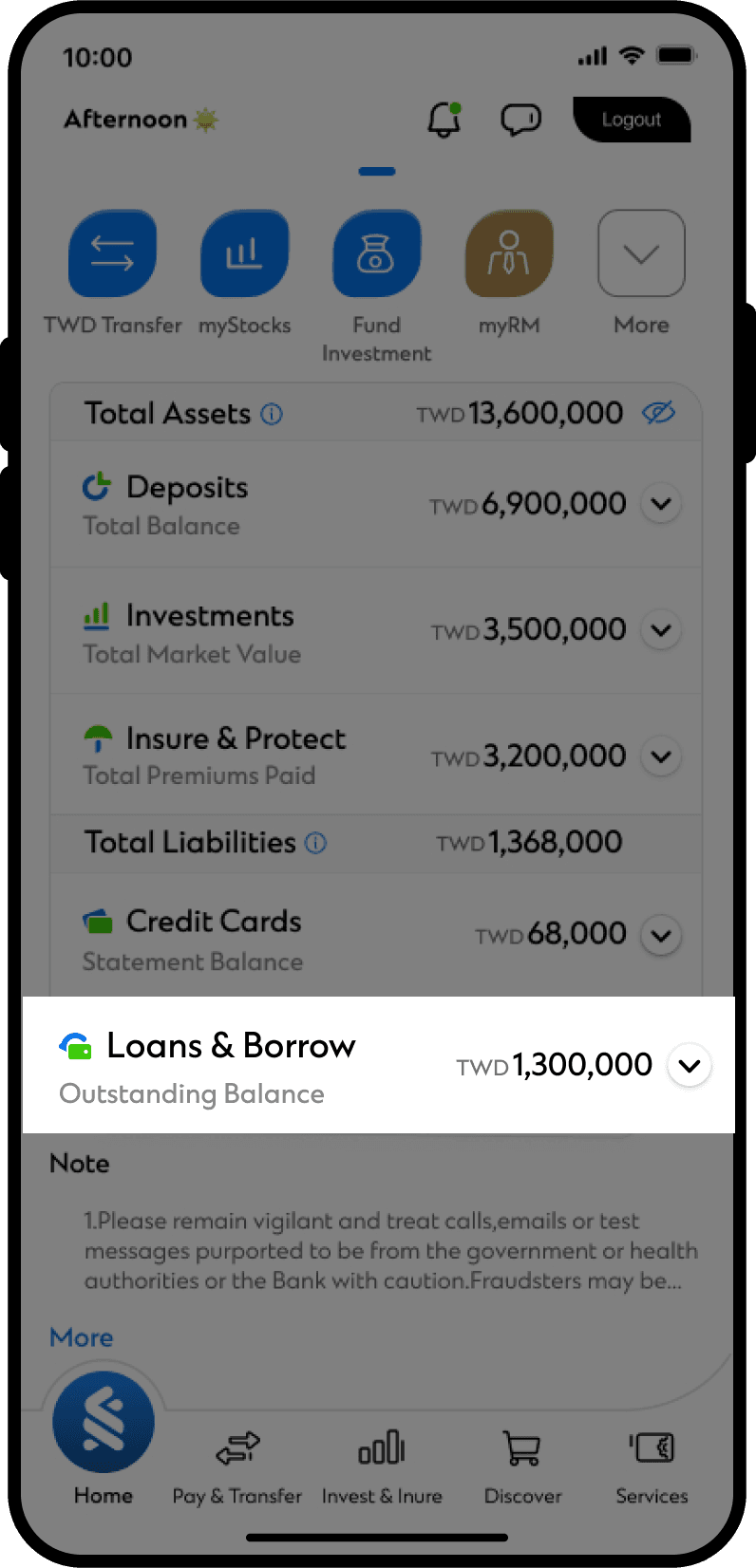
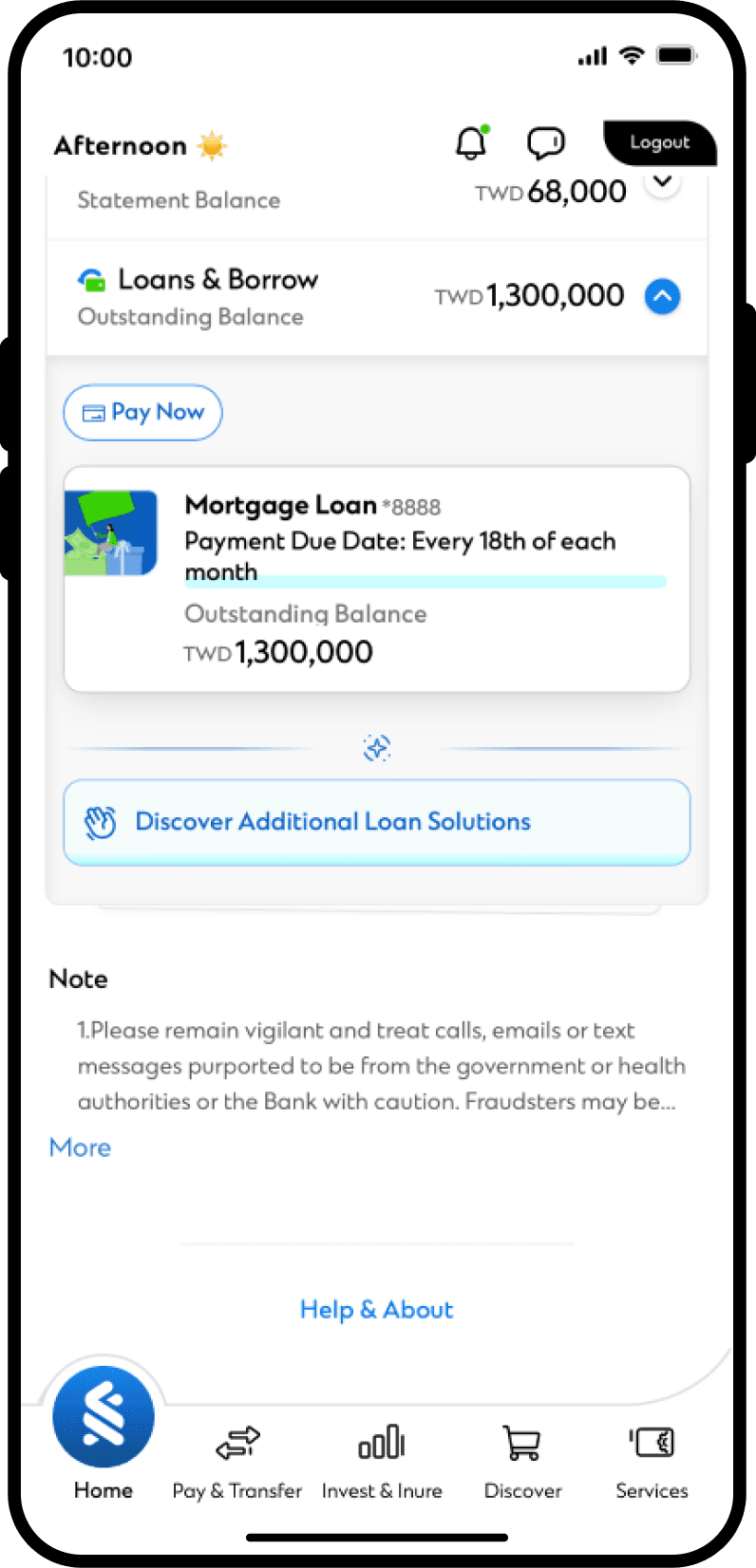
Loans
Select a loan to view its outstanding balance, payment due dates, repayment history, and loan
information.
We are here to help
Can't find what you're looking for? Find out more here.